PlayerzPot download: the official install path for Android, iOS, and mobile web
PlayerzPot supports Android (APK), iOS (App Store), and mobile web. This page lists the install steps for each, the supported Android and iOS versions, and what to verify before installing.
The PlayerzPot install story is platform-specific. Android users grab the APK directly from the official site; iOS users go through the App Store; both end up at the same app. The mobile web is a companion surface that mirrors editorial hubs but not account-level actions.

What runs where
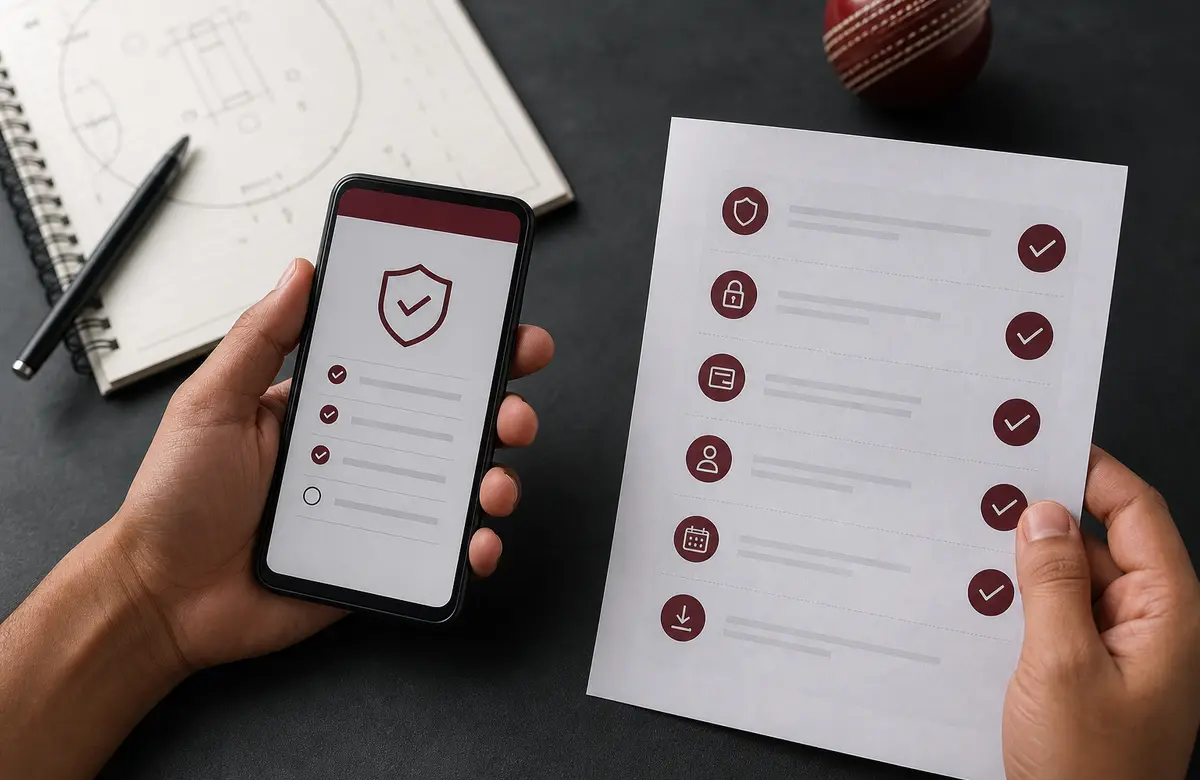
| Platform | Build | Min version | Size | Install path |
|---|---|---|---|---|
| Android | APK | Android 8 (Oreo) | ~40 MB | Official APK page (see /apk-download/) |
| iOS | App Store build | iOS 14 | ~50 MB | Apple App Store listing (publisher name printed on official site) |
| Mobile web | Read-only surface | Modern browser | n/a | Editorial hubs (this site) |
| Desktop | Not supported | n/a | n/a | Use mobile or tablet |
The APK is the canonical Android install path. iOS users go through the App Store. There is no desktop client. Mobile web carries editorial hubs but not account-level actions.
How to install the PlayerzPot Android APK
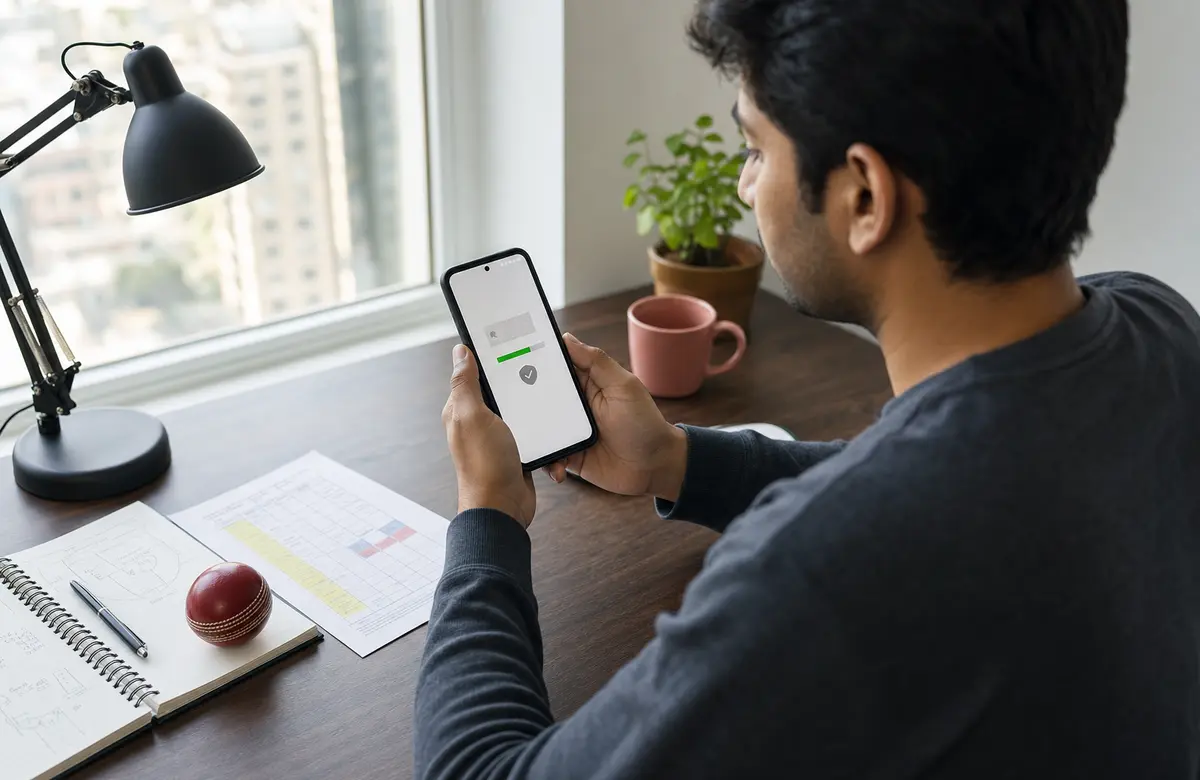
- Open the in-app browser or your mobile browser and go to the official APK download page (linked from /apk-download/).
- Tap Download APK. The download size is around 40 MB.
- When the download completes, tap the file. Android will ask whether to allow installs from this source. Tap Settings, toggle Allow from this source, then return.
- Tap Install. The install takes about 10 seconds.
- Open the app, sign in with your registered mobile number, and authenticate with the OTP.
Verify the APK before installing: the SHA-256 fingerprint printed on /apk-download/ must match the one your browser downloaded. If they don't match, do not install — the file may have been tampered with.
How to install the PlayerzPot iOS app

- Open the Apple App Store on your iPhone or iPad.
- Search for the official PlayerzPot app. Verify the publisher name matches what's printed on the official-website page.
- Tap Get and authenticate with Face ID, Touch ID, or your Apple ID password.
- Open the app, tap Sign in, and authenticate with OTP.
PlayerzPot is not on the Google Play Store — the Android install path is the APK page, not Play. If you see a Play listing, it's a third-party wrapper.
Questions readers actually ask
Is the APK safe to install?
Verify the SHA-256 fingerprint on /apk-download/ matches the downloaded file. The fingerprint is a 64-character hex string.
Why is the iOS app not on the App Store in some regions?
Apple geo-restricts some real-money gaming apps. PlayerzPot shows in the Indian App Store. If you're outside India, the listing may be hidden.
Do I need to register a new account after install?
If you already have a PlayerzPot account, sign in with the same mobile number. If you're new, tap 'Sign up' inside the app and complete KYC before joining paid contests.
Install PlayerzPot now
Android users: head to /apk-download/ for the verified APK. iOS users: search the App Store.